
Why Your Security Plugin Doesn't Stop Bot Traffic
Wordfence, Sucuri, and iThemes Security all run on your server. By the time they see a request, it's already used your CPU. Here's the difference between filtering at the edge and filtering at the origin.
Every WordPress site owner I talk to has a security plugin. Wordfence, Sucuri, iThemes Security — pick one. They're not bad products. The problem isn't the plugin; it's where the plugin runs.
Security plugins run on your server. They inspect requests after the request has already arrived at your server, already triggered PHP, already opened a database connection, and already done the work of serving a response. The plugin looks at the request and decides whether to block it. But by then, most of the cost has already been paid.
What "cost" means here
Shared hosting plans have CPU limits. When bots arrive — and they arrive constantly, from dozens of sources, cycling through proxies — each request consumes a slice of that budget. A security plugin might block 80% of them. But all 100% have already used the CPU to arrive at the server and be inspected.
The threshold where the host sends a throttle notice isn't a threshold on successful requests. It's a threshold on CPU used. A blocked request uses CPU. That's the crux of the problem.
What edge filtering actually does
Cloudflare (or any edge WAF — Fastly, Akamai, AWS WAF) sits in front of your server. Requests arrive at Cloudflare's edge, are inspected there, and are either served from cache (if they're a legitimate request for a cached page) or dropped (if they're a bot) or forwarded to your origin (if they're a legitimate request for an uncached resource).
The key difference: blocked requests never reach your server at all. No PHP, no database, no CPU. Cloudflare's infrastructure absorbs the cost, and your origin sees only the traffic that has been cleared.
On KetoBible, this was the single biggest change. The WordPress install was getting hammered. The security plugins — plural, at one point — were blocking a lot of it. But the host was still throttling the site, because the CPU was still being consumed by the volume of requests. Moving the filtering to Cloudflare's edge meant the origin server stopped seeing the bot traffic entirely. The throttle notices stopped.
Why this is a migration argument, not a plugin argument
You can, if you want, put Cloudflare in front of a WordPress site without migrating. It's a DNS change and a couple of rules. That will help — significantly. But it doesn't solve the underlying problem, which is that WordPress needs a running server to serve a page, and that server has a cost ceiling.
A headless stack serves pages statically from a CDN. There is no origin server to throttle. Requests for pages are answered at the edge, not at the origin. The bots that survive Cloudflare's filter hit a static file, not a running application, and the cost of serving them is functionally zero.
That's why the fix for "my WordPress site is being throttled" isn't "put Cloudflare in front." It's "move the site off WordPress." The plugin-first answer is a patch. The edge-first answer is a fix. The headless migration is the permanent version of the fix.
Related posts


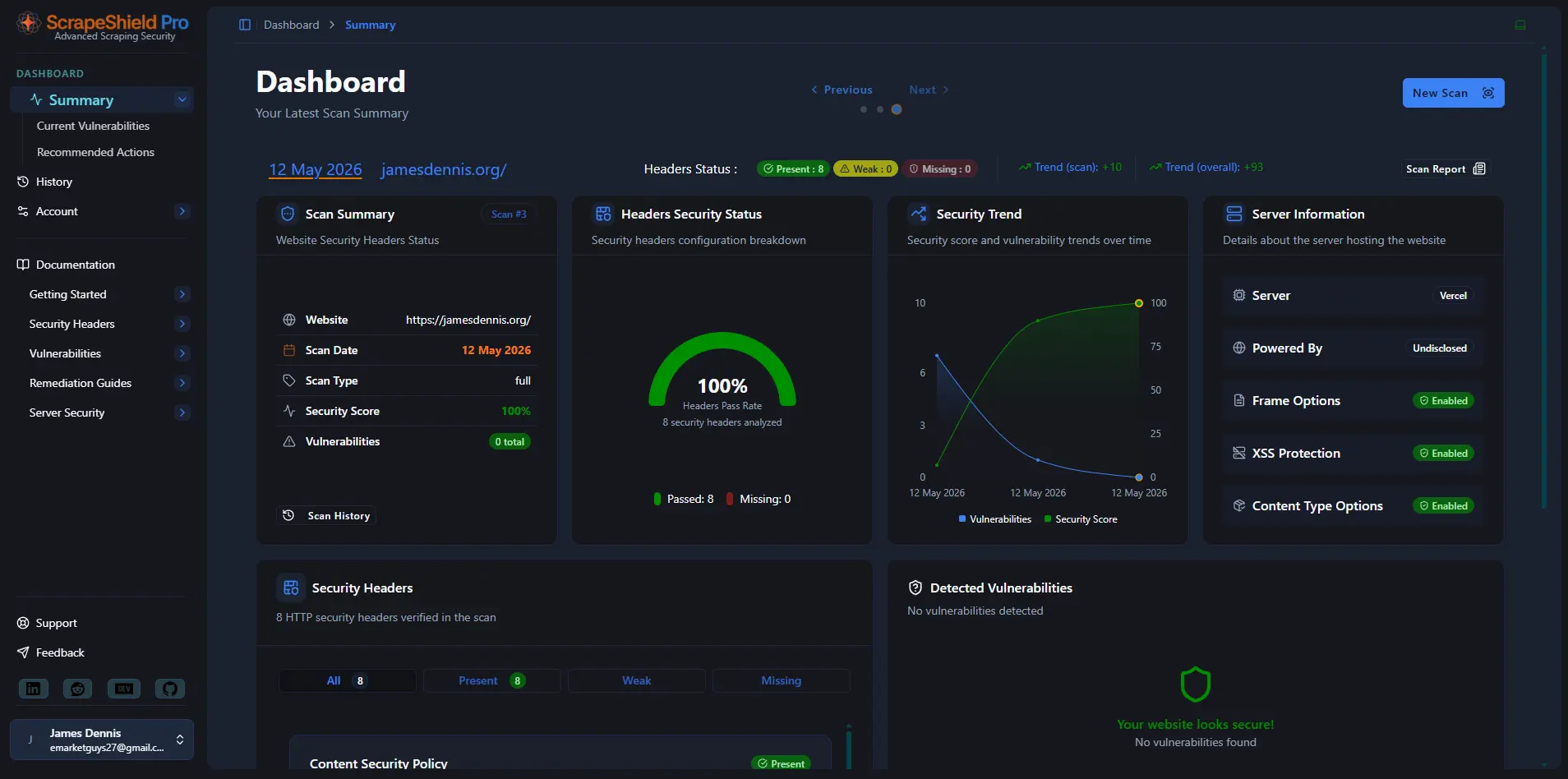

Is your site being scraped?
ScrapeShield analyses your traffic to reveal bots, scrapers, and AI crawlers in real time. See who is accessing your content, how often, and from where — then decide what to do about it.


No spam - ever..! Just the latest articles, fixes, and advice - direct to your inbox.